Windows
Windows 10 and 11, 64-bit. Includes smart routing, App Guard, and Shadow Mode.
Download for WindowsWindows and Linux download the client from this page. Android installs from Google Play. macOS, iOS, and the router applet continue to a demo signup.
Showing all 6 platforms
Windows 10 and 11, 64-bit. Includes smart routing, App Guard, and Shadow Mode.
Download for WindowsmacOS 12 and newer. Menu-bar switch, per-app rules, and the same city list as Windows.
Continue to signupA graphical client plus a command helper for Ubuntu, Debian, and Fedora.
Download for LinuxCurrent iOS and iPadOS. The iOS plan uses the same household seat count.
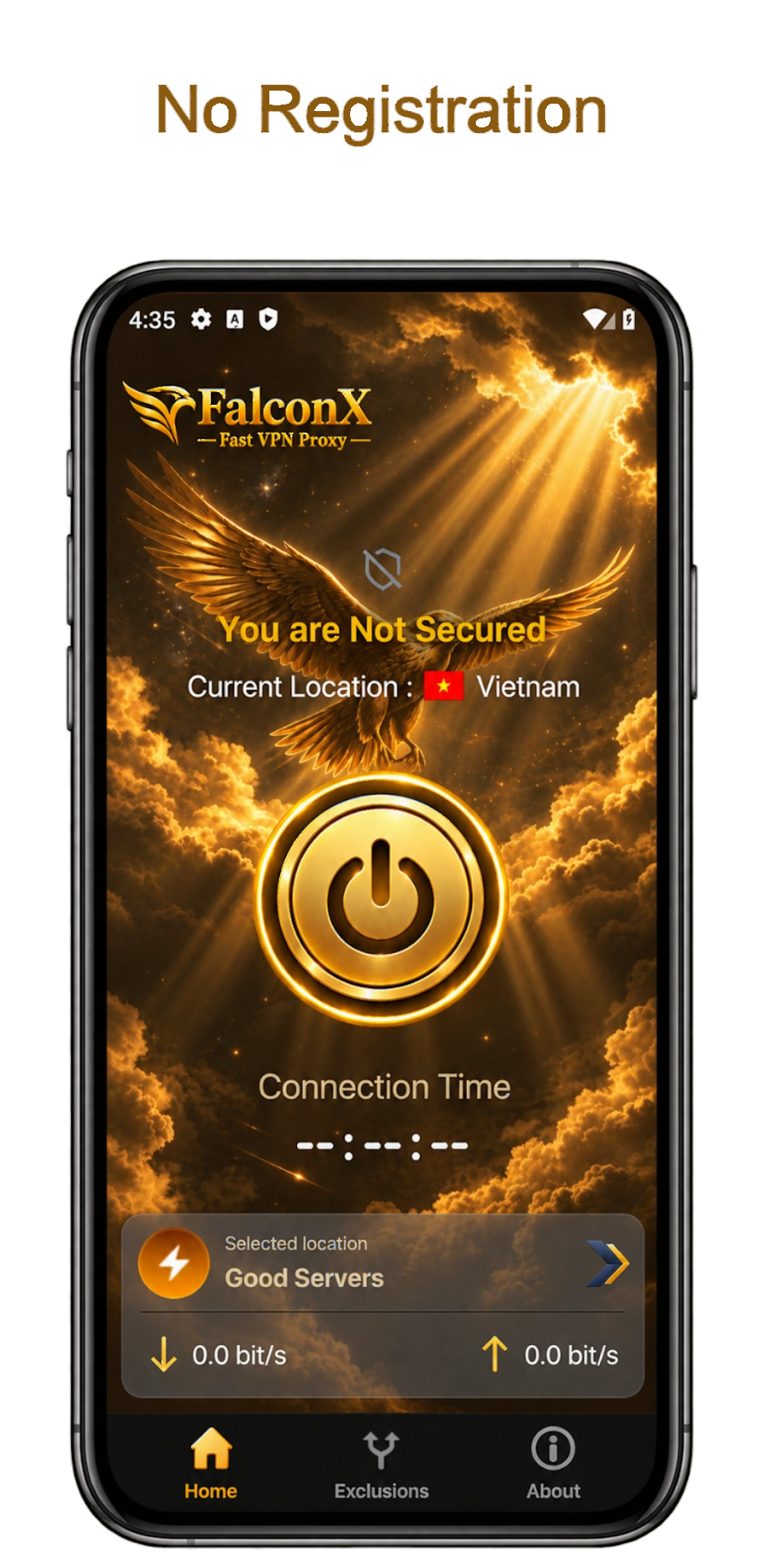
Choose an iOS planFalconX-Fast VPN Proxy on Google Play. One tap to connect, with no registration required.
Get it on Google PlayRuns on supported FalconX-Fast VPN Proxy router builds so every device on the LAN can share one tunnel.
View routersThe banner uses this browser’s system when it can. Filters narrow the list to desktop, mobile, or router.
Windows and Linux start a file download. Android opens Google Play. macOS and iOS continue to signup.
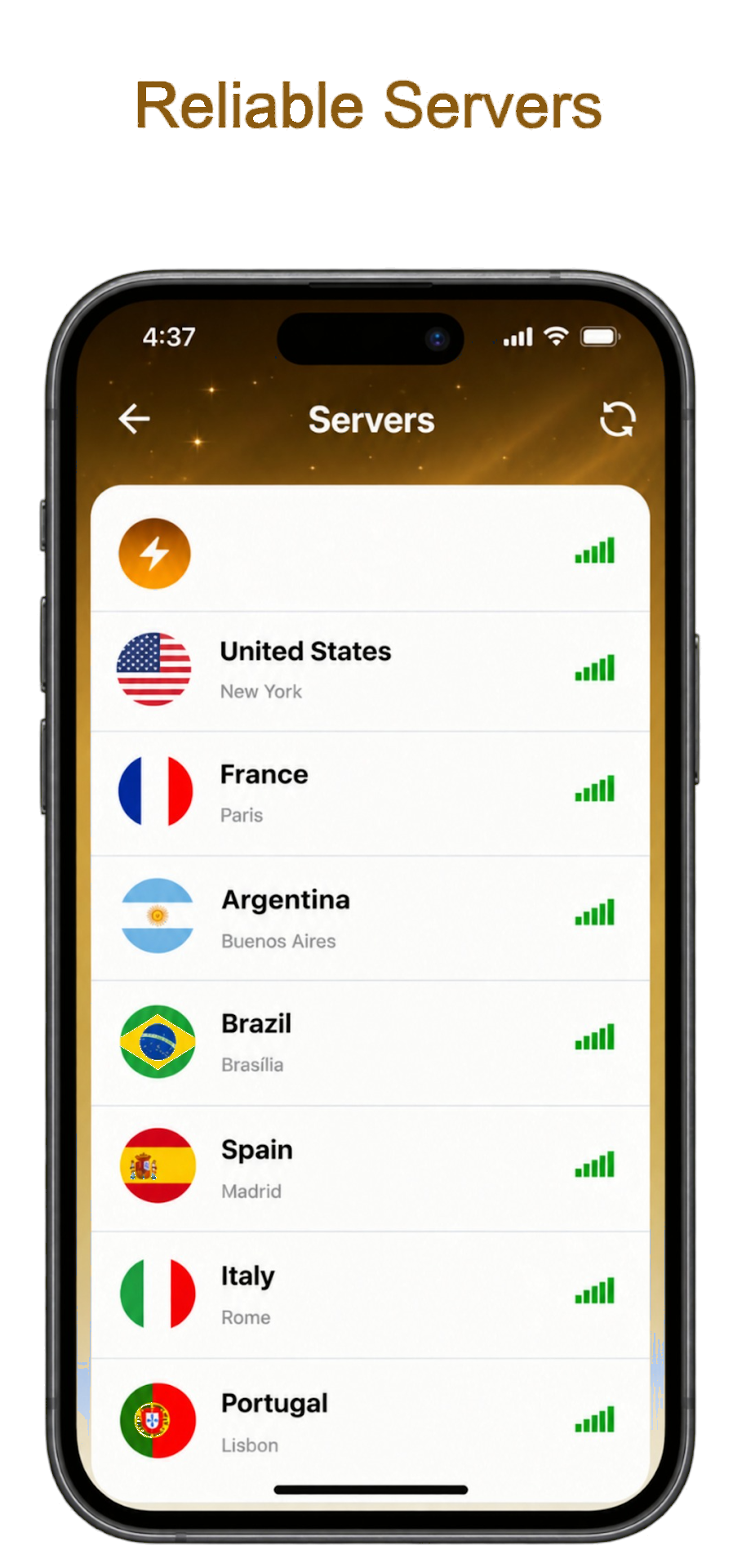
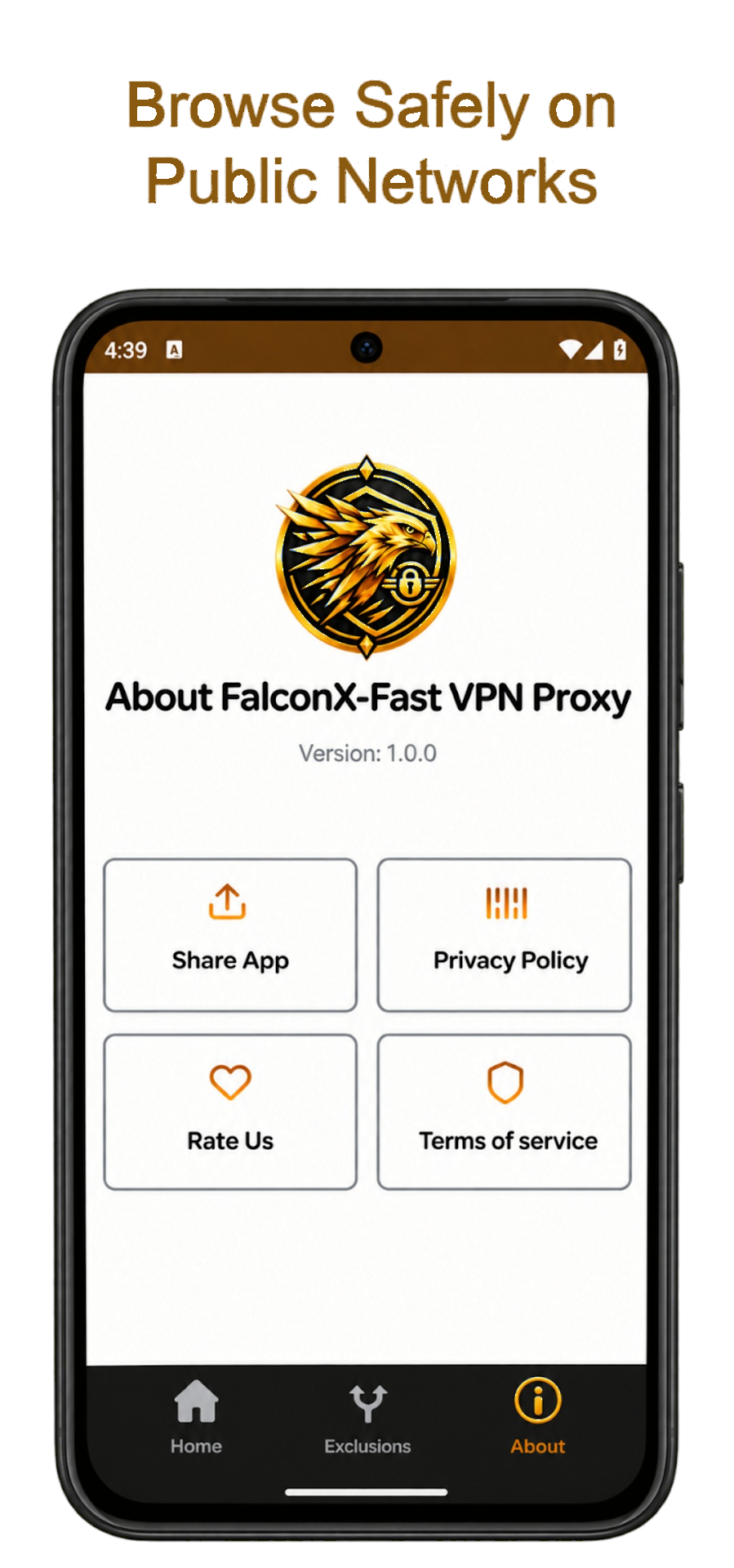
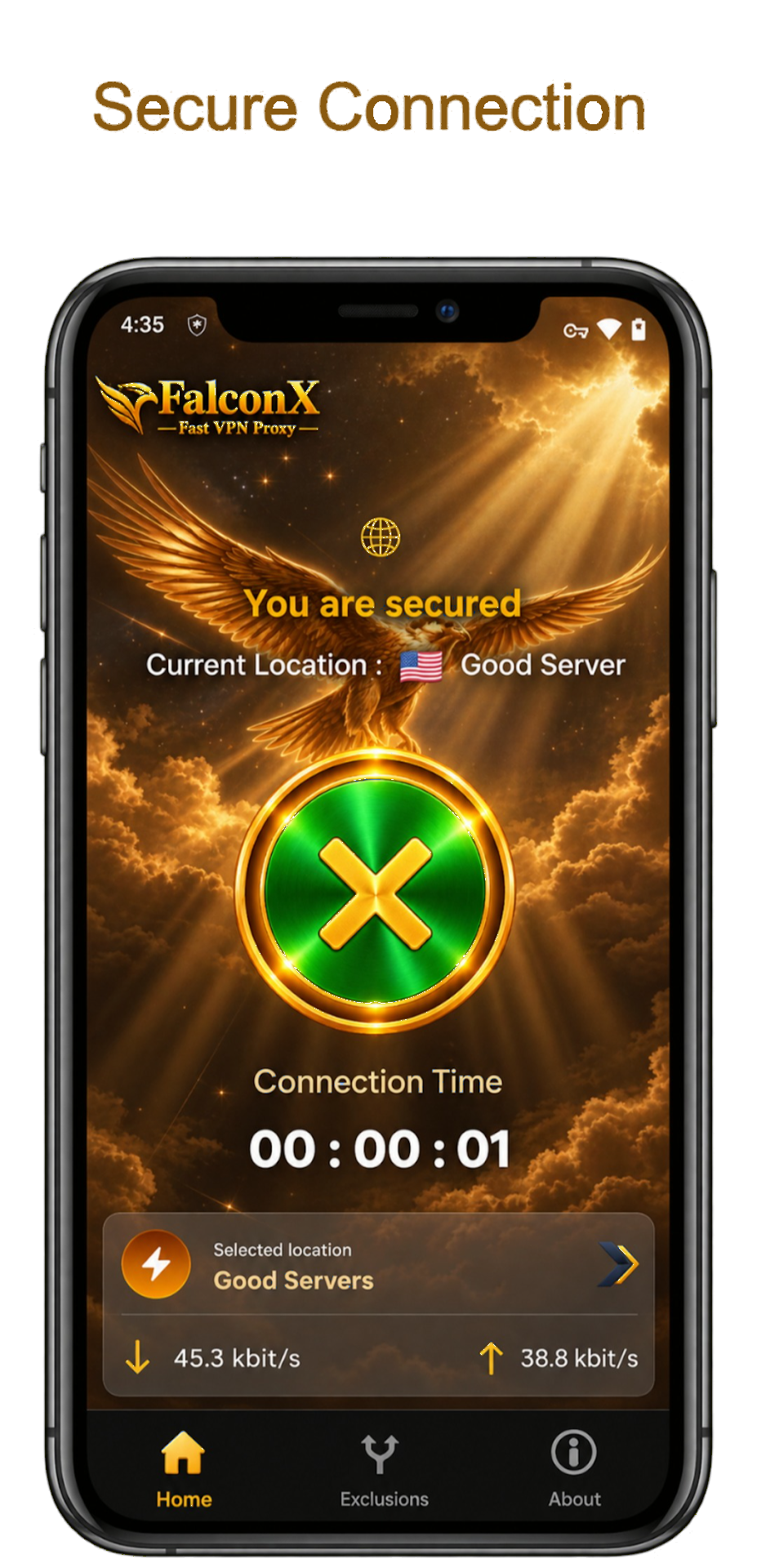
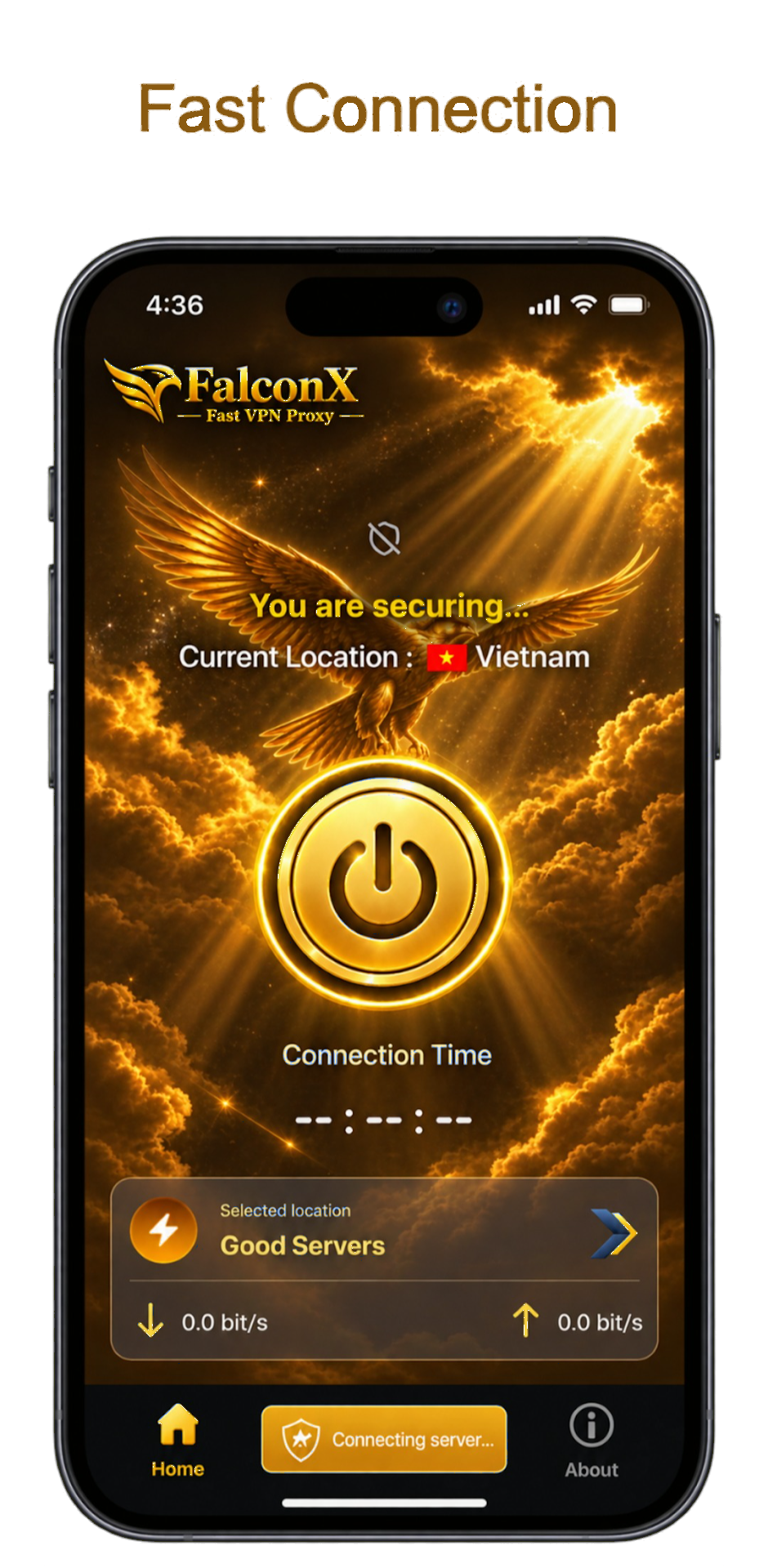
Open the app and pick a server. The Android app does not ask you to create an account.
Scroll sideways to see each screen.